How to Recycle Electronics and E-Waste Responsibly
Recycle old phones, laptops, and gadgets the right way: wipe your data, find certified e-waste recyclers, and keep hazards out of the landfill.
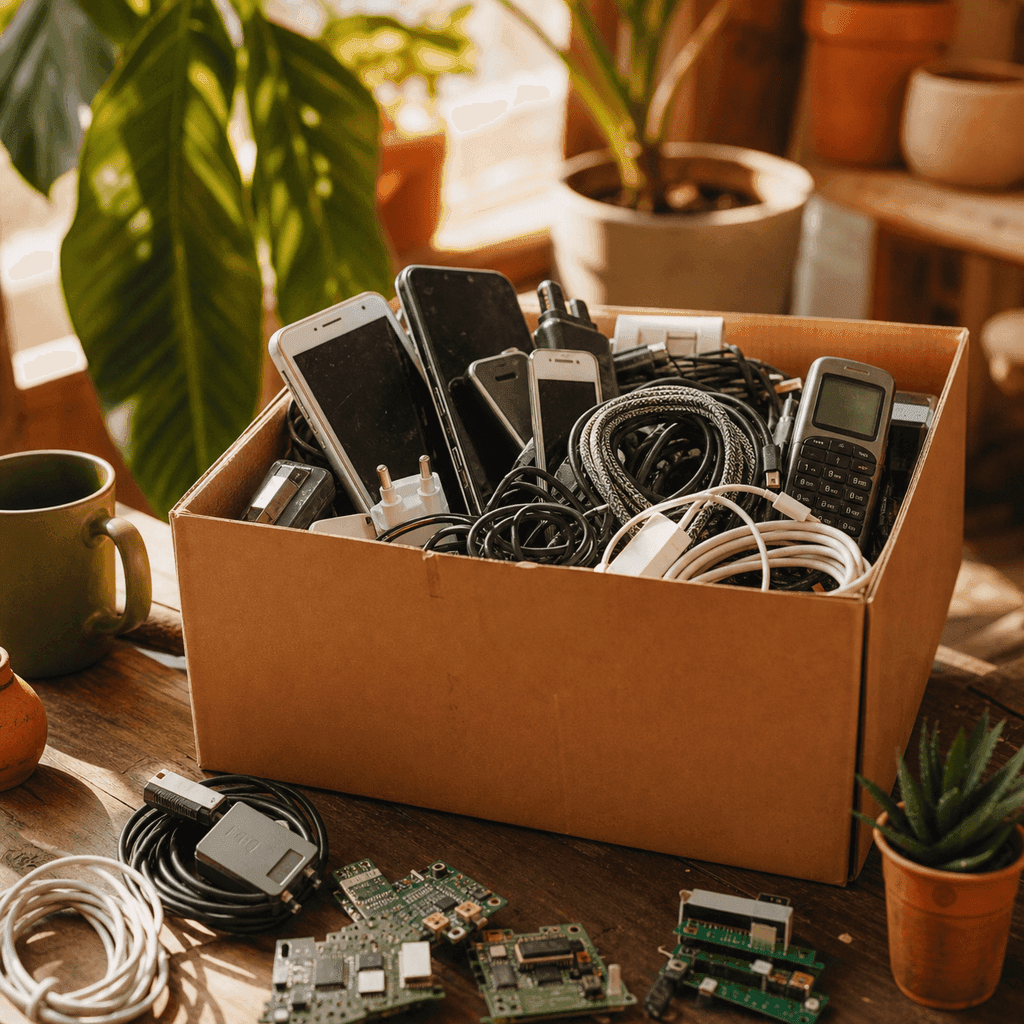
We all have that drawer. The one crammed with tangled chargers, a cracked phone or two, and a laptop that hasn't turned on since a couple of jobs ago. Clearing it out feels great, but where all that stuff goes matters enormously.
Electronic waste, or e-waste, is the fastest-growing category of household trash, and it's loaded with both hazards and treasures. Recycling electronics responsibly keeps toxic materials out of landfills while recovering valuable metals, and it protects the personal data still living on those devices.
Why E-Waste Deserves Special Handling
A smartphone or laptop is a dense little package of chemistry. Inside are lithium batteries, lead, mercury, and flame retardants, alongside genuinely valuable gold, copper, silver, and rare earth elements. When gadgets get crushed in a landfill, those toxins can leach into soil and water, and the useful metals are lost for good.
That's why electronics don't belong in your regular trash or curbside recycling bin. Lithium batteries in particular are a fire risk; damaged ones have sparked blazes in garbage trucks and sorting facilities. Handled properly, though, the same device becomes a source of recovered materials that don't have to be mined again.
One ton of recycled circuit boards can yield far more gold than a ton of mined ore. The gadget in your drawer is closer to a small mine than to garbage.
Wipe Your Data First
Before any device leaves your hands, treat the data on it as seriously as the hardware. A wiped phone or laptop protects you from identity theft and account breaches.
Work through these steps before recycling:
- Back up anything you want to keep to a computer, external drive, or cloud service.
- Sign out of accounts and turn off device-locating features and activation locks, which can otherwise brick the device for the next user.
- Perform a factory reset on phones, tablets, and laptops to erase personal files.
- Remove SIM cards and memory cards, which store contacts and photos separately.
- For a computer you're truly retiring, consider removing the hard drive entirely if it held sensitive information.
Where to Take Your Electronics
Once your data is clear, you have more drop-off options than most people realize, and many are free.
- Retailer take-back programs. Major electronics and office-supply chains accept old devices, batteries, and cables, often regardless of where you bought them.
- Manufacturer mail-back and trade-in. Phone and computer makers offer prepaid shipping labels and sometimes credit toward a new purchase.
- Municipal collection events. Many cities and counties hold periodic household hazardous waste and e-waste drop-off days.
- Certified recyclers. Dedicated e-waste facilities handle everything from TVs to servers.
Search "e-waste recycling near me" plus your city, or check your local government's waste website, to find the nearest option.
Choose a Certified, Responsible Recycler
Not all recyclers are equal. Some low-cost operations ship e-waste overseas, where it's picked apart in unsafe conditions that harm workers and the environment. To make sure your old gear is handled properly, look for third-party certifications.
The two recognized standards in the United States are R2 (Responsible Recycling) and e-Stewards. A recycler that holds one of these has been audited for safe, ethical handling and data security. Reputable companies display these certifications on their website or at their facility, so it's worth a quick check before you hand anything over.
Repair, Donate, or Sell Before You Recycle
Recycling is the responsible endpoint, but it isn't always the first move. The greenest device is the one that keeps working, so consider whether your electronics still have life left.
- Repair. A new battery or screen can revive a phone or laptop for years, often cheaply.
- Donate. Schools, nonprofits, and refurbishing charities gladly take working computers and tablets.
- Sell or trade in. Functional devices have resale value that offsets your next purchase.
- Pass it on. A hand-me-down tablet keeps a device out of the waste stream entirely.
Only once a gadget is truly beyond use, or too outdated to rehome, does recycling become the right call.
Small Habit, Real Impact
That junk drawer isn't just clutter; it's a small stockpile of hazardous materials and recoverable metals waiting for the right destination. Wipe your data, rehome what still works, and take the rest to a certified recycler or take-back program. It takes an afternoon, keeps toxins out of the ground, and gives valuable resources a second life instead of a landfill.
Emily Bennett
Zero-Waste Home Writer
Emily focuses on the low-waste home — refills, natural cleaning, and calm, clutter-free swaps that actually stick. She believes greener living should feel good. More from Emily →